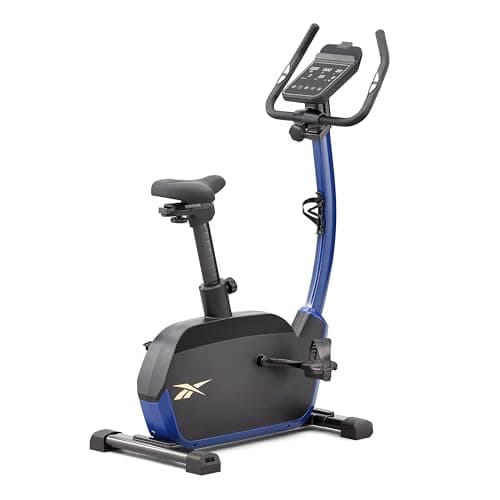
Exercise Bikes
Reebok FR30 Exercise Bike Review: A Proper Console, a Fair Price
Our Reebok FR30 exercise bike review: 32 levels of electronic magnetic resistance, a 9kg flywheel, Zwift and Kinomap support, 120kg limit and the trade-offs.

By Paul Kendrick, Cardio & Endurance Editor · Updated 16 August 2026
We may earn a commission from qualifying purchases made through links on this page, at no extra cost to you. This never affects our ratings.
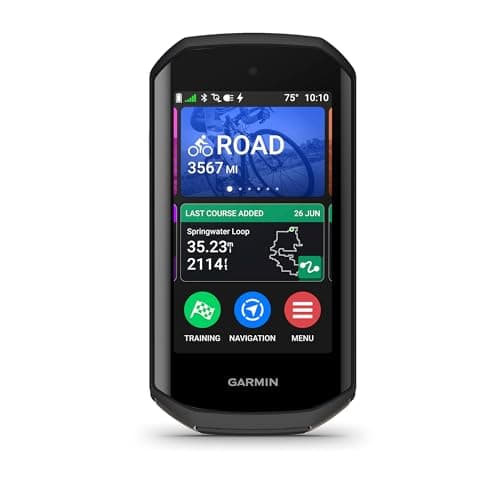
Garmin's Edge line has dominated cycling computers for a decade largely by being reliable rather than exciting. The Edge 1050 breaks that pattern. It's the first Edge that feels designed to be looked at, with a 3.5 inch colour touchscreen bright enough to read in full summer glare and sharp enough that map detail stops being a squint. Garmin also put a speaker in it, which is the kind of small change that alters daily use more than a spec sheet suggests.
At around £624 at the time of writing, it's also the most expensive bike computer most people will ever consider, and it sits awkwardly beside its own predecessor. The Edge 1040 Solar is cheaper and lasts far longer between charges. Whether the 1050 is worth the swap comes down to how much a good screen is worth to you.
How we review
This review draws on Garmin's published specifications, the Edge 1050 owner's manual, verified owner reviews and independent testing. We have not run our own season-long test of this exact unit, so we report only findings that recur consistently across sources, including the criticisms.
Road cyclists who navigate, group riders, and anyone training with a power meter who wants the analysis on the bars rather than in an app afterwards. Gravel and mountain riders get the Trailforks trail data baked into the maps, which is a real advantage off-road.
Riders who follow the same three routes and want speed, distance and heart rate on a screen are being sold far more than they need. The Edge 540 or 840 covers that for considerably less.
Every previous Edge screen was a compromise you learned to live with: washed out in bright sun, muddy colours, maps that technically worked. This one doesn't ask you to compromise. Colours are saturated, contrast holds up at midday in July, and the map rendering is detailed enough that you can identify a junction before you reach it rather than as you overshoot it.
That matters more than it sounds, because a map you can't read at 30kph is a map you stop using. Riders who navigate regularly consistently rate this as the reason to upgrade, and it's the feature the official Garmin page leads with for good reason.
The speaker deserves its own mention. Spoken turn instructions mean you don't need to glance down at a junction, alerts cut through wind and traffic, and the electronic bell is loud enough to be heard on a canal towpath, which is the specific British problem it solves.
| Display | 3.5 in colour touchscreen |
|---|---|
| Weight | Approx 161 g |
| Battery, demanding use | Up to 20 hours |
| Battery, saver mode | Up to 60 hours |
| Maps | Garmin Cycle Maps with Trailforks trail data |
| Connectivity | ANT+, Bluetooth, Wi-Fi |
| Payments | Garmin Pay contactless |
| Audio | Built-in speaker and electronic bike bell |
| Group features | GroupRide messaging, live locations, hazard alerts |
| Training | ClimbPro, Power Guide, stamina, Garmin Coach plans |
Power Guide is the standout. Give it a course and it distributes a target power across the ride so you don't blow up on the second climb, and on the 1050 it now factors endurance and wind in real time when paired with a power meter. On a hilly sportive it's the difference between finishing strong and crawling the last 20km.
ClimbPro shows the remaining gradient and distance on each climb as you ride it, which sounds trivial and is psychologically enormous when you're halfway up something unfamiliar. Stamina tracking estimates how much you have left. Garmin Coach builds adaptive plans around your goal event.
Nearly all of this depends on a power meter. Without one you get a bright map and a good bike computer, and you're paying flagship money for maybe 60 percent of the machine. Heart rate covers some of the gap, though wrist-based readings are the weak link and a chest strap agrees far more closely with ECG measurement across activities (wrist optical versus chest strap comparison). Pair a proper heart rate monitor rather than relying on a watch.
Twenty hours of demanding use, up to 60 in battery saver mode. In practice, with navigation running, the screen at a usable brightness and a handful of sensors connected, expect somewhere between 14 and 18 hours. That's enough for any single day ride short of a proper audax, and enough for a week of commuting.
It's also markedly less than the Edge 1040 Solar, which is the genuinely difficult comparison. The 1040 is cheaper, lasts far longer, and does most of the same training work with an inferior screen and no speaker. If you ride multi-day events or hate charging things, the older model is arguably still the better buy, and Garmin has never quite explained why the 1050 went backwards here.
It pairs with smart trainers over ANT+ FE-C and Bluetooth and will control resistance through a structured workout, which makes it a reasonable winter tool if you'd rather not set up a tablet. Our Wahoo KICKR Core 2 review and the best turbo trainer UK guide cover the trainer side, and the exercise bikes section has the alternatives if you'd rather not put your road bike on a trainer at all.
Regular riding at any level covers the NHS target of 150 minutes of moderate activity a week comfortably, and a computer that logs it properly makes the progression easier to see (UK physical activity guidelines).
For riders who navigate unfamiliar roads, ride in groups or train with power, yes. The screen is the brightest and sharpest Garmin has put on a bike computer and it makes maps genuinely usable at speed. If you mostly ride known routes and want numbers on a screen, the cheaper Edge 540 does that job for less than half the money.
The 1050 adds a much brighter 3.5 inch colour touchscreen, a built-in speaker, Garmin Pay, an electronic bike bell and the full GroupRide feature set. The 1040 Solar keeps the older dimmer screen but nearly doubles the battery life. Screen and features versus endurance, essentially.
Garmin quotes up to 20 hours in demanding use and up to 60 hours in battery saver mode. Real rides with navigation, a bright screen and several sensors connected land closer to 14 to 18 hours. That covers almost any single day ride, but it is a clear step down from the 1040 Solar.
Yes, and it is more useful than it sounds. Turn instructions are spoken aloud, alerts are audible over traffic noise, and there is an electronic bike bell that is genuinely loud enough to warn pedestrians on shared paths. It is the single most noticeable difference coming from an older Edge.
You can. It pairs with smart trainers over ANT+ FE-C and Bluetooth, controls resistance for structured workouts and records the session properly. Most people still prefer a tablet running Zwift for the visuals, but for a straightforward interval session the Edge handles it without a screen full of cartoon avatars.
Mostly. It responds well to thin summer gloves and reasonably to most winter gloves, and there are physical buttons for the essentials like starting and stopping a ride. Heavy waterproof mitts in the wet are where any capacitive touchscreen starts to struggle, and this one is no exception.
Our Reebok FR30 exercise bike review: 32 levels of electronic magnetic resistance, a 9kg flywheel, Zwift and Kinomap support, 120kg limit and the trade-offs.
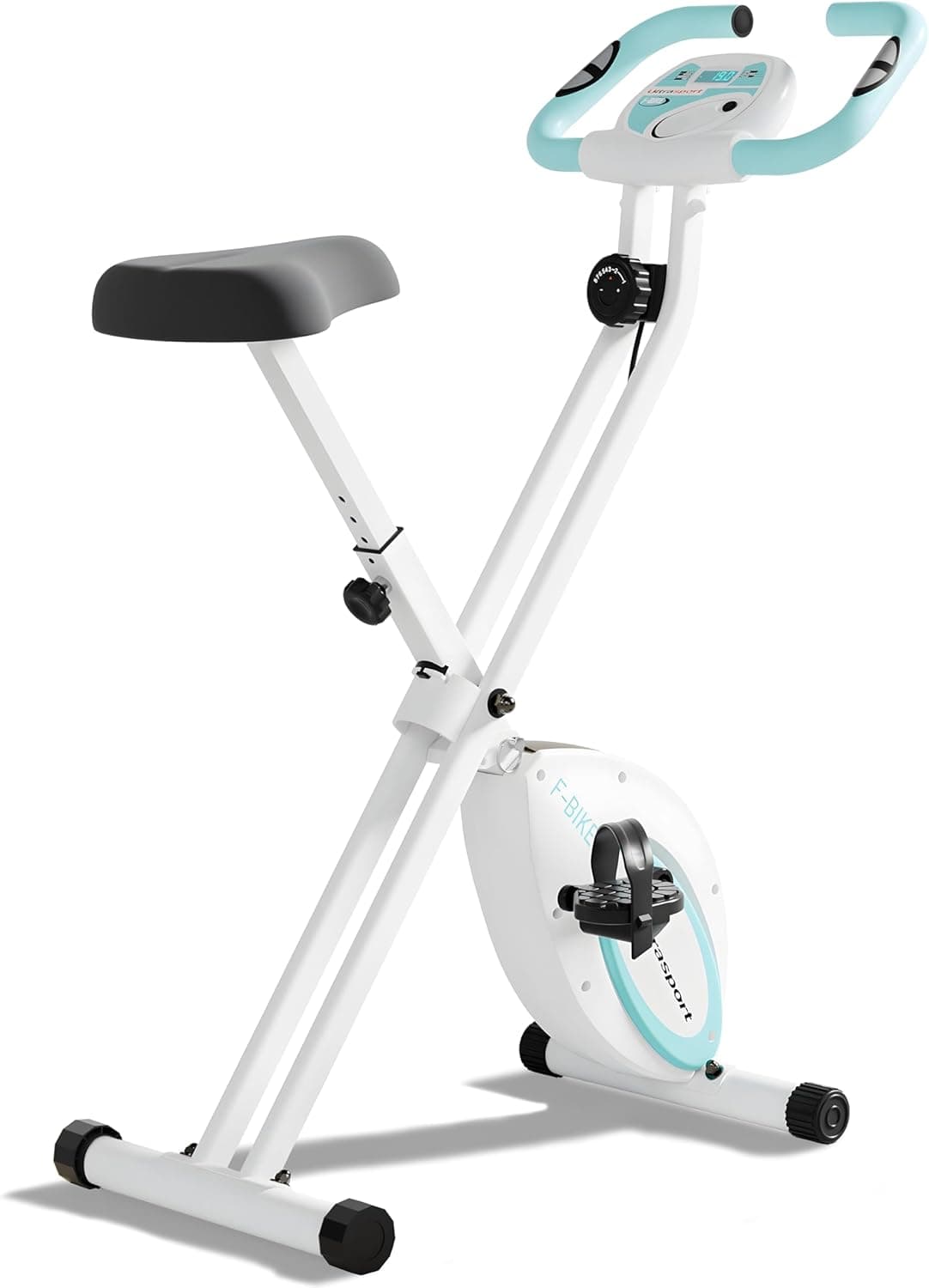
The best foldable exercise bike for UK homes, from budget mini pedallers to a 140kg-rated smart bike and a comfy recumbent. Folded sizes, weight limits and honest downsides.
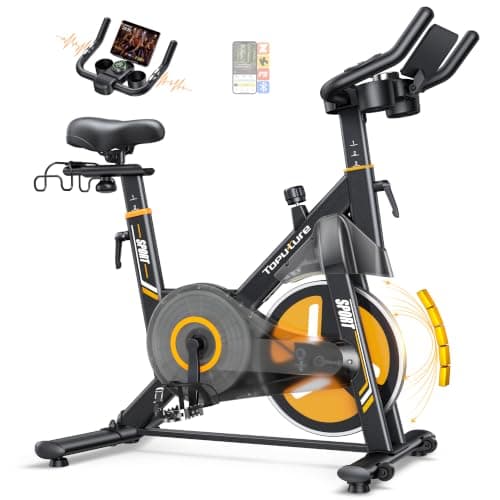
An honest review of the 2026 Toputure Smart Exercise Bike at £199.99: 32-level electromagnetic resistance, app control, the sub-20dB claim and who it suits.
What makes an exercise bike noisy, which types are quietest for flats and upstairs rooms, how to stop vibration through the floor, and how to fix squeaks.
Best Exercise is a participant in the Amazon EU Associates Programme, an affiliate advertising programme designed to provide a means for sites to earn advertising fees by advertising and linking to Amazon.co.uk. As an Amazon Associate we earn from qualifying purchases. This comes at no extra cost to you and never influences our independent reviews or rankings.